The Hidden Costs of Browser Incompatibility: How It Affects Your Users
The hidden costs of browser incompatibility extend far beyond mere aesthetics; they can significantly impact user experience and website performance. When users encounter issues such as broken layouts, non-functional features, or slow loading times due to their browser choices, it can lead to high bounce rates. According to studies, users are more likely to abandon a website that doesn't perform well on their preferred browser, resulting in lost traffic and potential revenue. This becomes even more critical for eCommerce websites where every second delay can translate into a loss of sales.
Moreover, the cumulative effects of browser incompatibility can deteriorate brand reputation. Unsatisfied users often share their experiences through social media and online reviews, which can tarnish a brand's image. Businesses must also consider the ongoing costs associated with troubleshooting and fixing compatibility issues across multiple browsers. Instead of focusing on growth and innovation, teams may find themselves devoting significant resources to address these challenges. In today's digital world, ensuring a uniform and seamless experience across all browsers is not just preferable; it is essential for maintaining a competitive edge.
Top Tips for Ensuring Cross-Browser Compatibility for Your Website
Ensuring cross-browser compatibility for your website is essential for reaching a wider audience and providing a seamless user experience. Here are some top tips to help you achieve this:
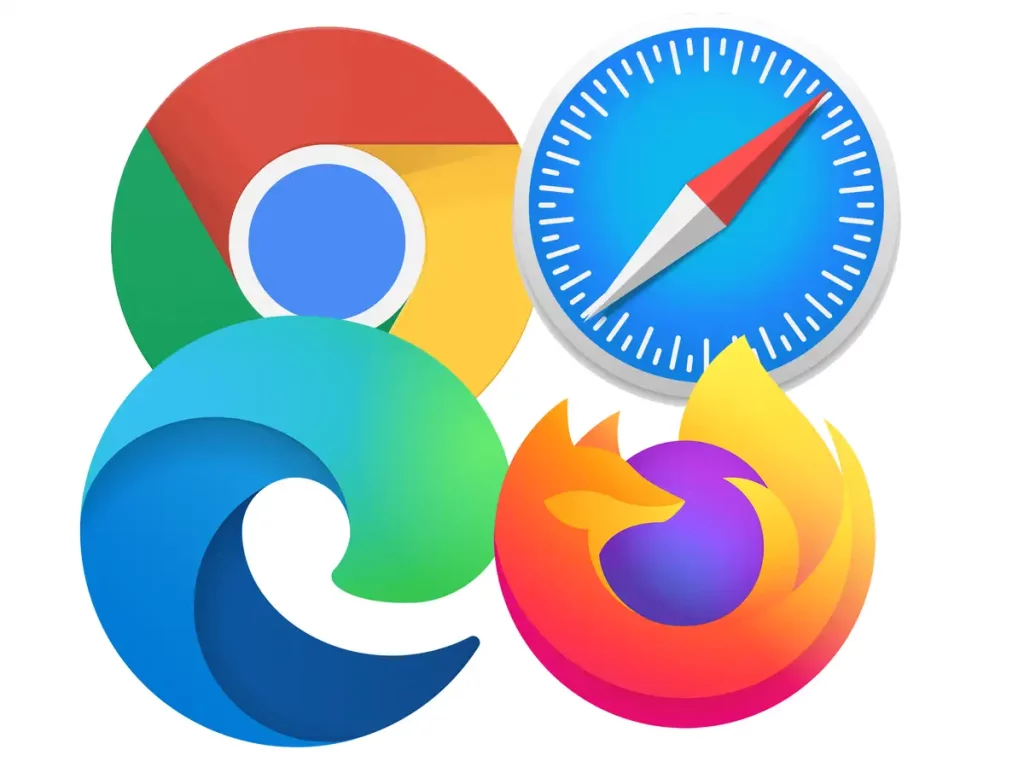
- Test Across Multiple Browsers: Regularly testing your website on different browsers such as Chrome, Firefox, Safari, and Edge is crucial. Utilize tools like BrowserStack or CrossBrowserTesting for comprehensive testing.
- Use Valid HTML and CSS: Always validate your HTML and CSS using online validators. This minimizes the chance of errors that could cause rendering issues in various browsers.
In addition to testing and validation, consider implementing these practices:
- Consistent Use of CSS Resets: Using a CSS reset can help ensure that all browsers start rendering styles from a consistent baseline, minimizing discrepancies.
- Utilize Feature Detection: Employ feature detection tools like Modernizr to tailor functionality for specific browsers.
By following these top tips, you'll enhance your website's cross-browser compatibility, ultimately improving user satisfaction and engagement.
Is Your Website Ready for the Browser Wars? Key Features to Check
As technology continually evolves, it's crucial to ask yourself: Is your website ready for the browser wars? With varying standards and functionalities across multiple browsers, ensuring compatibility can significantly affect user experience and search engine rankings. Begin by examining the responsive design of your site. This means that your website should seamlessly adjust to different screen sizes and resolutions, particularly on mobile devices. Utilize tools like Chrome's DevTools or Firefox's Responsive Design Mode to test how your site appears across different browsers.
Another critical feature to check is page load times. Slow loading speeds can deter visitors and negatively impact your SEO performance, especially as competition intensifies. Use metrics such as Google PageSpeed Insights to evaluate your website's speed and receive actionable suggestions for improvement. Lastly, ensure that your website is utilizing modern web technologies like HTML5, CSS3, and JavaScript frameworks while also providing fallbacks for older browsers to maintain functionality.